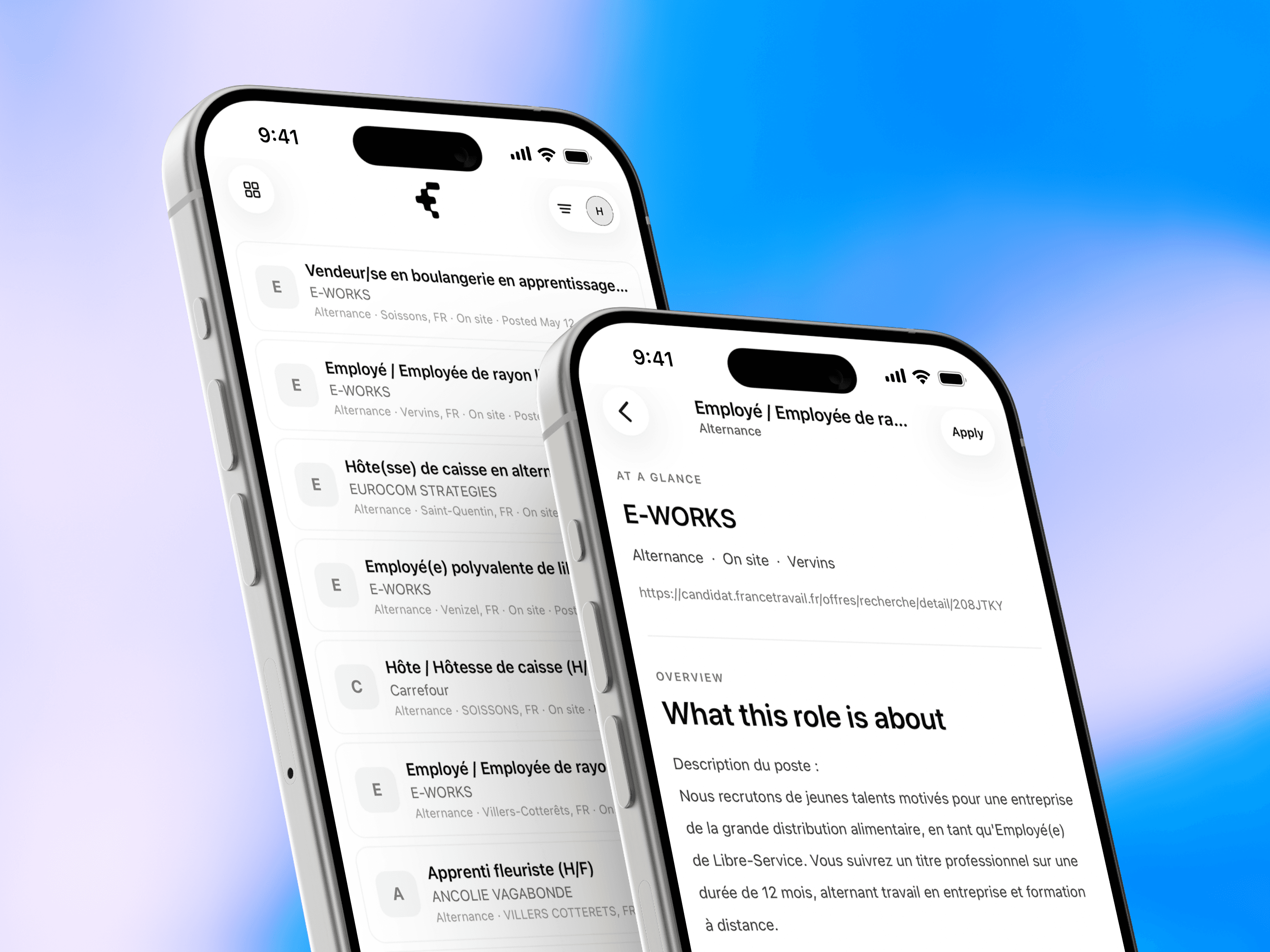
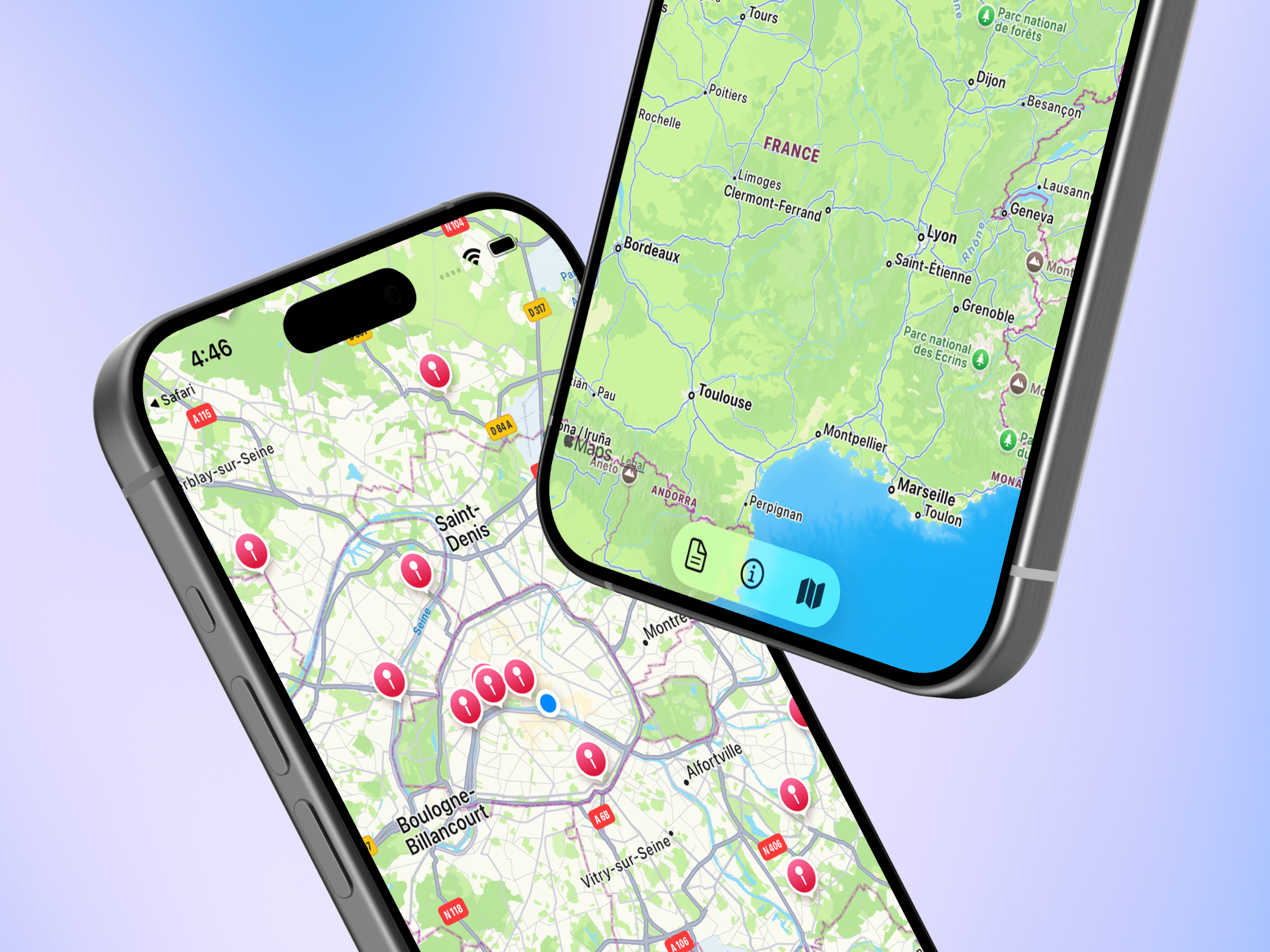
Create, personalize, and share résumés, cover letters, portfolios, and personal sites—all from EasyLink.
EasyLink Studio is a new place to create everything you need to present
yourself and apply with confidence.
Create a résumé, write a tailored cover letter, build a portfolio, or put
together a personal site—all from one flexible workspace.
Choose a starting point for your résumé, cover letter, portfolio, or personal
site, then shape it around your experience and goals.
You can also start with a blank project when you want complete freedom.
Already have a résumé or another document? Import a PDF or DOCX file and turn
its content into an editable Studio project instead of starting again.
Résumé Readiness helps you understand how clear, complete, and easy to read
your résumé is. It highlights practical opportunities to strengthen its
structure and content.
You can also compare your résumé with an EasyLink job to see where your
experience aligns and what you may want to emphasize.
Download your Studio projects as PDF or images, share them from your device,
or publish them as a page you can send with a link.
Tell EasyLink which roles, locations, opportunity types, and ways of working
interest you. Your new For You feed puts the most relevant opportunities
first, and you can update your preferences whenever you like.
You can now request personalized coaching for your résumé, interviews,
applications, or professional presentation directly from EasyLink.
This release also brings a refreshed mobile experience with clearer
navigation, new icons, and easier access to search, Studio, and your account.